
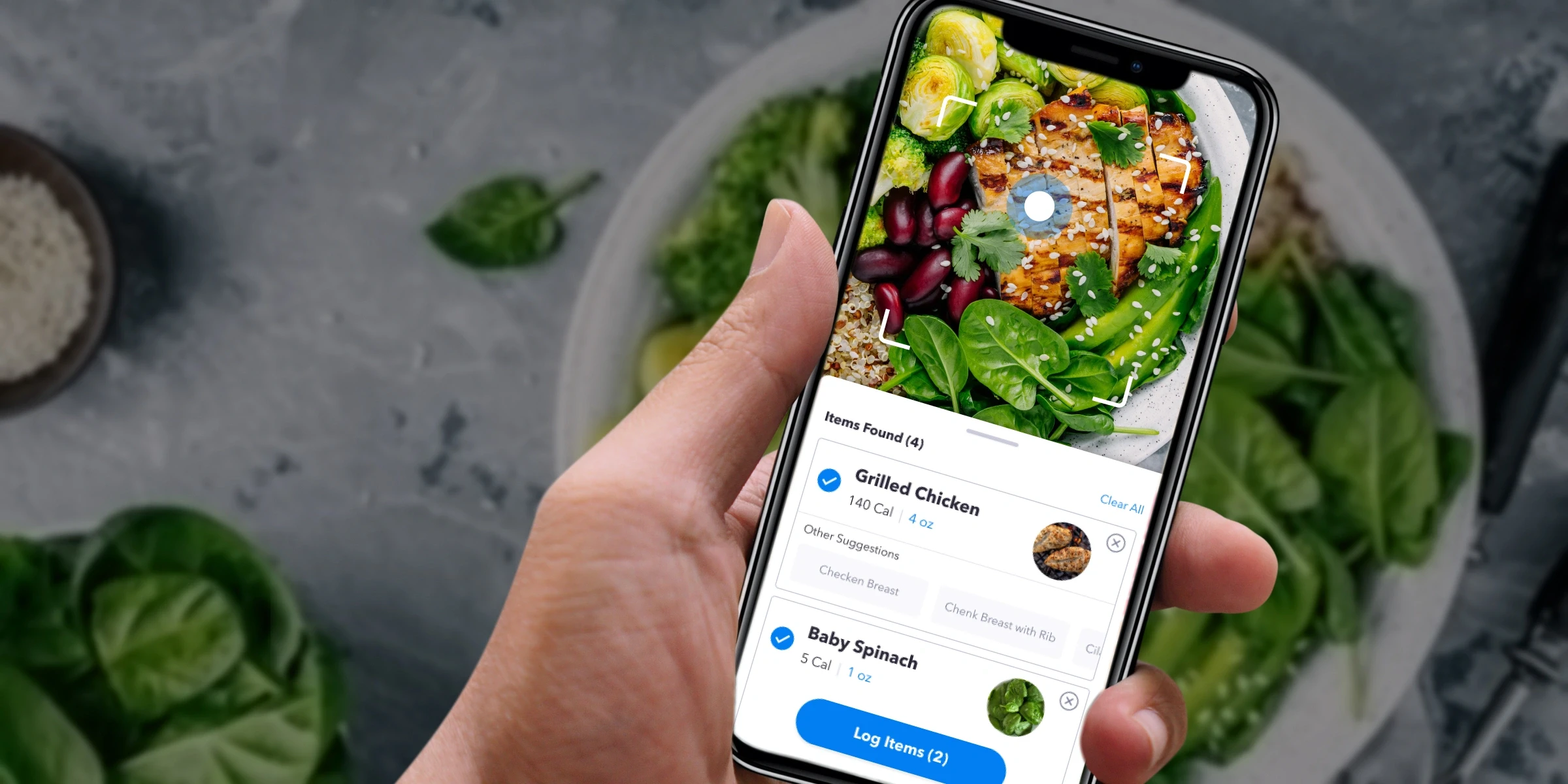
Designing a nutrition experience that drove 33% engagement growth and 12% free-to-paid conversion.
Role:
Lead Product Designer
Launched:
July 2021
Background
Accelerating nutrition engagement through product innovation
Openfit brings fitness and nutrition into a single platform, offering meal programs, recipes, logging, and grocery planning to support healthier habits and drive retention. However, traditional food tracking remains high-friction, limiting adoption and engagement — even in leading apps like MyFitnessPal.
To unlock growth, we explored AI-powered meal scanning as a faster, lower-effort alternative to manual logging. I led cross-functional experimentation to validate user demand, assess technology partners, and integrate a scalable solution designed to increase adoption, boost engagement, and drive free-to-paid conversion.
My Role:
Lead Product Designer
Team:
Product Manager, Tech Lead, Devs (3), QA
Responsibilities:
Research, Competitive Analysis, User Survey, Design, Prototype, Test
Problem
Tracking meals shouldn’t be this hard
We saw low engagement in Openfit’s nutrition tracking because meal logging required too much manual effort. Users had to search, add, and log foods one by one — a process many described as frustrating and time-consuming.
This friction made it difficult to build a consistent tracking habit, leading to drop-off over time and limiting long-term engagement and feature impact.
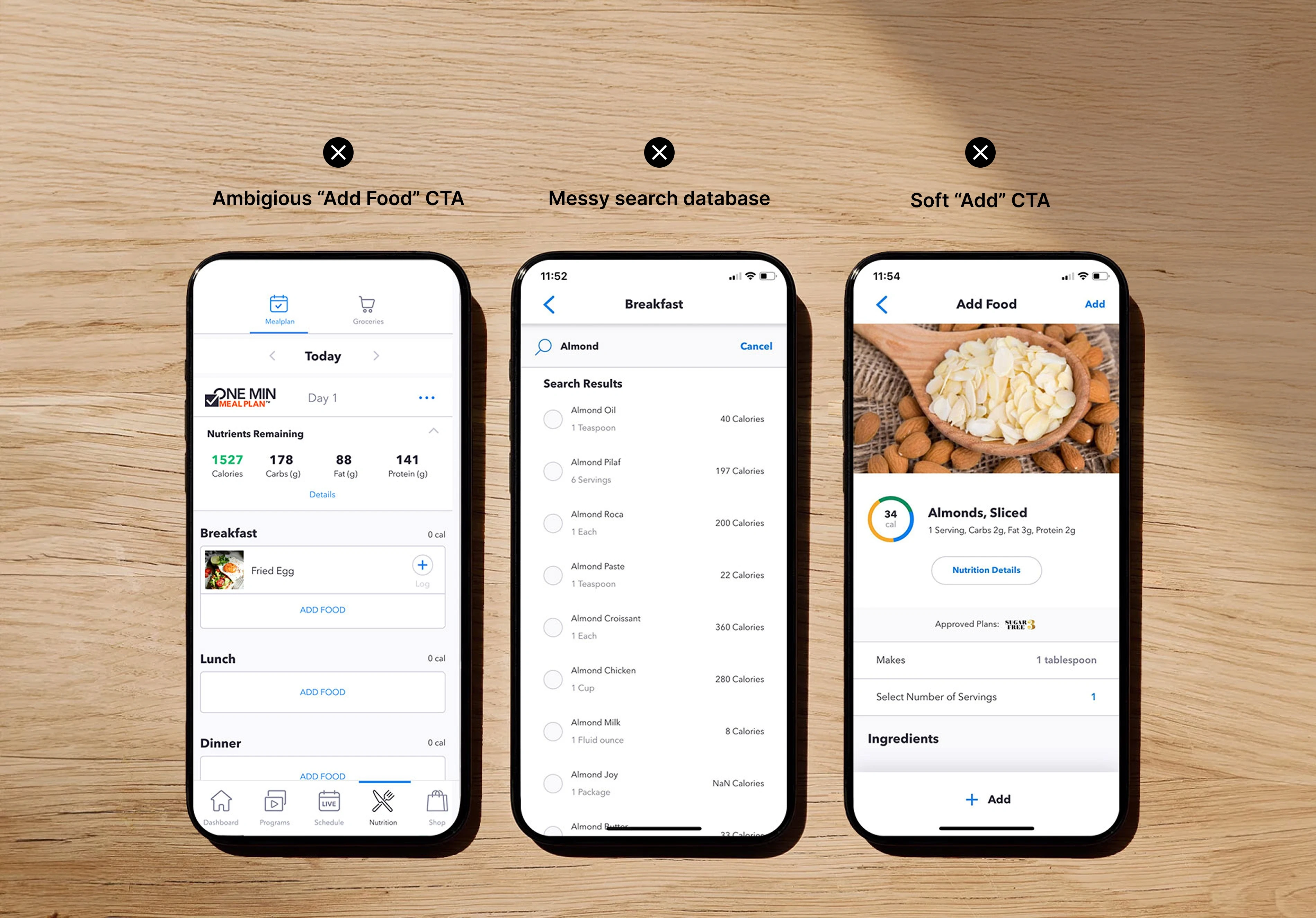
Old meal tracking experience
Solution
Using AI to reduce friction and unlock nutrition engagement
To drive nutrition adoption and engagement, we integrated Passio’s AI-powered food recognition into Openfit to replace manual logging with a faster, low-effort scanning experience. The Passio SDK enabled multi-input scanning, instant food recognition, and accurate nutrition logging — reducing friction, improving accuracy, and supporting habit formation. This created a scalable foundation for higher engagement and free-to-paid conversion.
Testing Passio’s AI meal scanning experience
Research
I tested Passio’s demo app to evaluate meal scanning UX and uncover opportunities for improvement. This revealed added capabilities like multi-item scanning, barcode scanning, packaged food recognition, and nutrition label scanning, informing feature design.
User Survey
To validate demand for meal scanning, I conducted a user survey to assess attitudes toward meal tracking and inform the direction of Openfit’s nutrition experience.
Competitive Analysis
To inform product direction, I reviewed MyFitnessPal and Calorie Mama to benchmark AI-powered food recognition, uncover UX friction, and identify opportunities for a faster, more accurate scanning experience.
Showcasing flows and various iterations
Design
Strategic design choices that shaped the experience
Prioritize discovery to drive adoption
Surface meal scanning in high-visibility entry points to ensure users could easily find and activate the feature.
Design for speed over perfection
Optimize for fast, low-friction logging, allowing users to quickly confirm or edit scan results.
Balance AI automation with user control
Make results transparent and editable to build trust and maintain accuracy.
Reduce cognitive load
Highlight essential nutrition info first, revealing deeper details only when needed.
Design for repeat usage
Streamline re-scan and confirmation flows to support habit formation and retention.
Prototyping micro-interactions for guidance and confirmation
Validation
Final Solution
After multiple iterations, I prototyped the end-to-end meal scanning flow and validated it through user testing. While feedback was positive, users surfaced two key gaps: clearer scan guidance and stronger capture confirmation.
We addressed this with a guided scanning overlay and dynamic capture feedback — improving clarity, building confidence, and making the experience feel more intuitive and reliable.
Improve Accuracy
After allowing camera access, aim your camera, and zoom in to scan one or multiple items. I added a square viewfinder to guide users on where food should be focused. A pulsing animation helps it appear as it is thinking.
Scan Multiple Items
To help users log full meals in seconds, we enabled multi-item scanning within a single session. For results, I designed an open drawer pattern that displays all detected foods, allowing users to confirm matches, swap alternatives, or remove items.
Swiping up expands the drawer to full screen and pauses the scanner, keeping the user focused on review and confirmation.
Edit Servings
Not all servings are equal, that's why we allowed room to edit serving size so that users can add more precision to the meal logging. Users can also see the food macros update as an edit is being made.
Scan Packaging and Barcodes
Because packaged foods make up a large portion of everyday meals, I introduced barcode and label scanning to speed up logging and improve accuracy. Test participants were especially excited about these capabilities.
While some label scans were imperfect due to database constraints, Passio is actively expanding its food library — improving reliability over time.
Beachbody trainer Andrea Rogers promoting on social media
Outcomes
Turning innovation into growth
This launch became one of Openfit’s most successful nutrition releases in years — driving 2,500+ logged meals in 30 days, +33% engagement, and a +12% lift in free-to-paid conversion. Beyond metrics, it proved that thoughtfully applied AI can unlock both user value and business growth.
Next, we see an opportunity to deepen the sensory experience with haptic feedback for more satisfying scan confirmation.
2,500+
Logged Meals in 30 Days
+ 33%
Engagement
+ 12%
Free-to-Paid Conversion
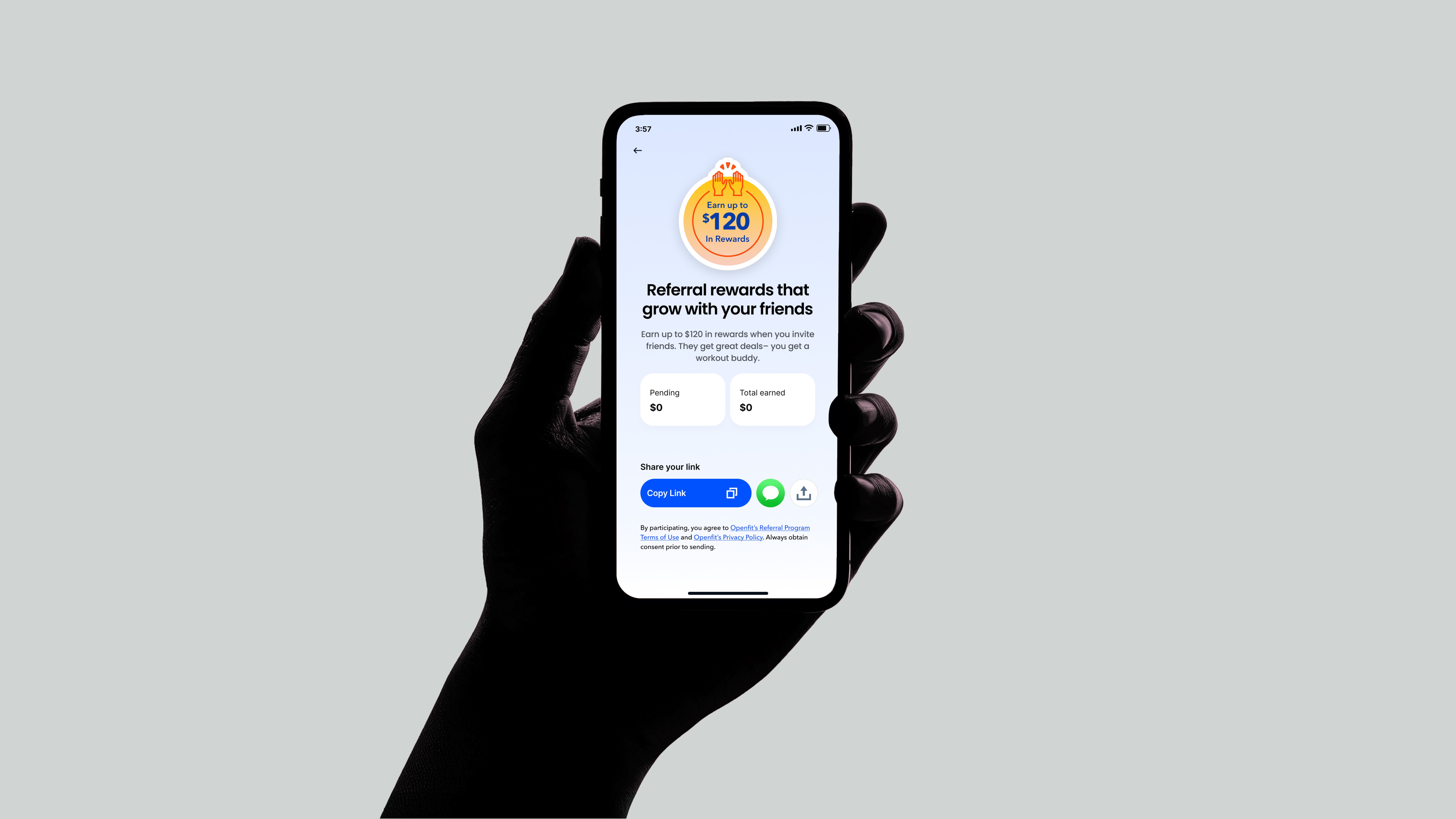
Referral Rewards
Redesigning Openfit's referral experience that unlocked a 4.6% increase in referred user growth.
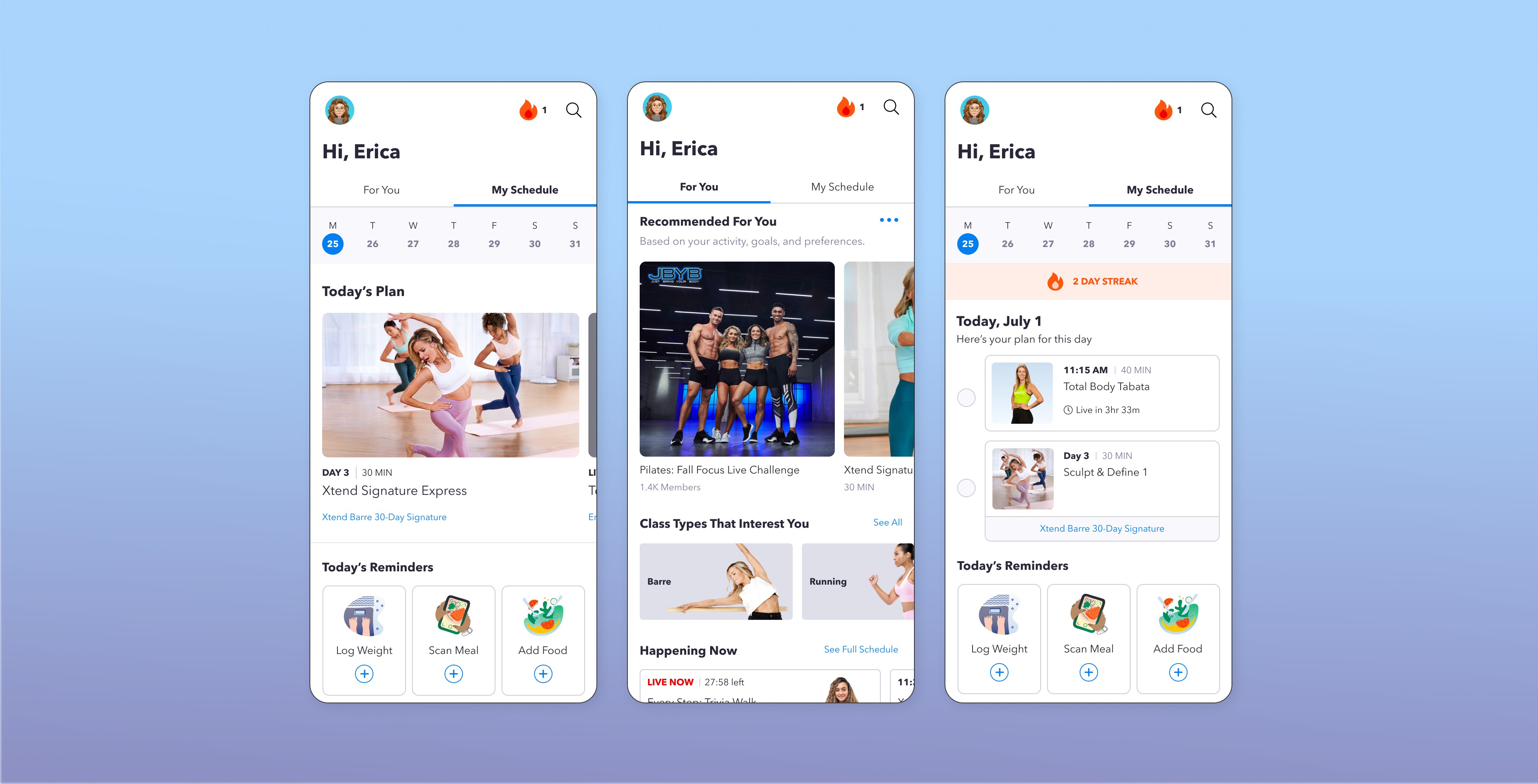
Dashboard Redesgn
Boosted Openfit’s daily engagement by 50% and retention by 33% through a personalized home experience.
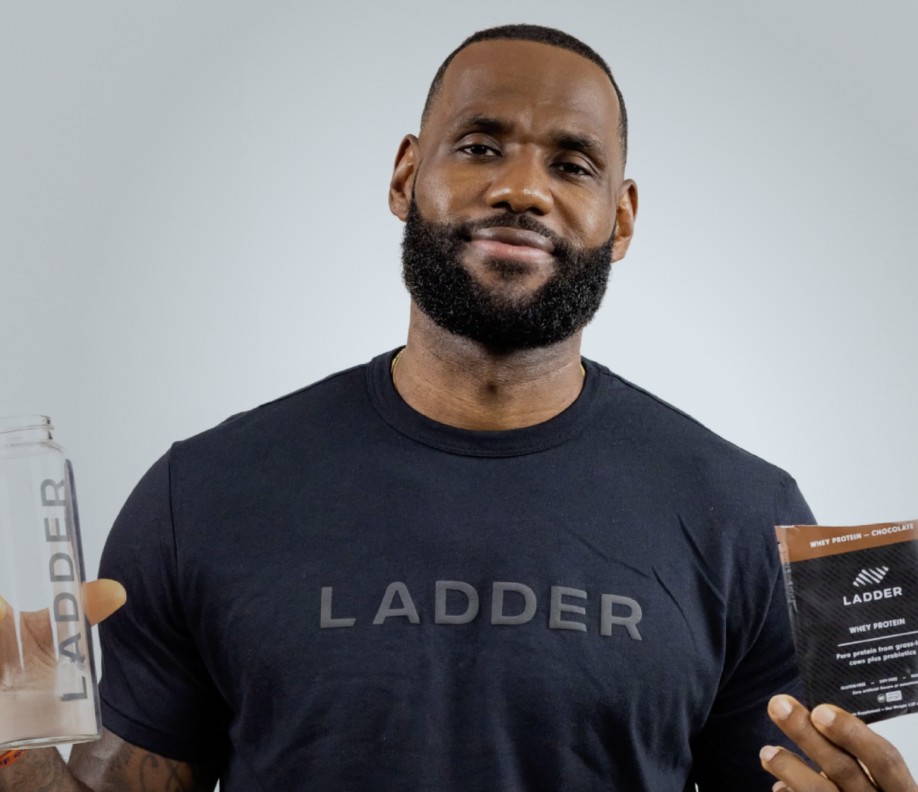
Coming Soon: Ladder.sport
Maximize growth for a sports nutrition brand founded by LeBron James and Arnold Schwarzenegger.